Survey Module
Complete the surveys in your program, then view your past responses and any rewards you earned for completing them.
Accessing the Module and Completing a Survey
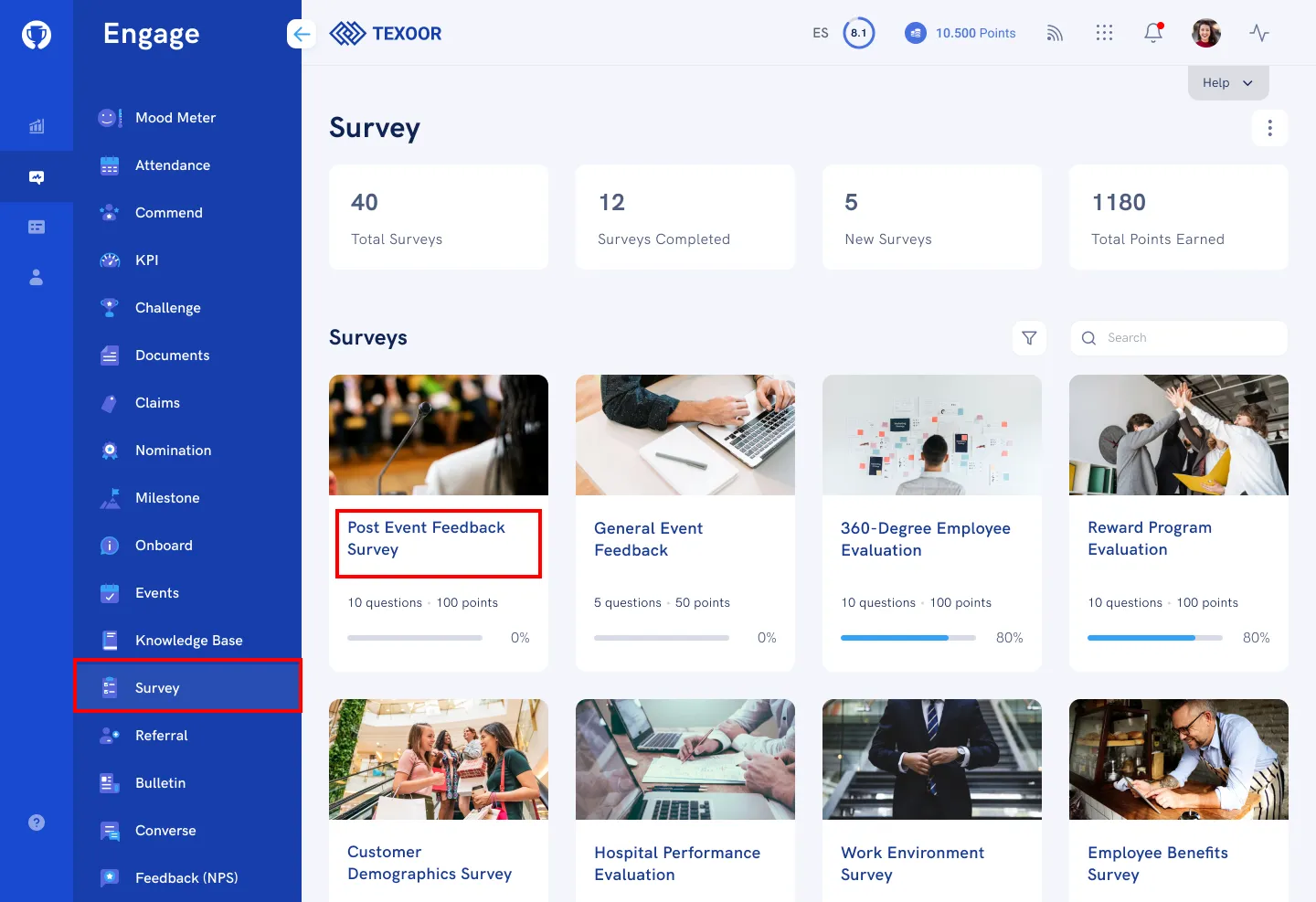
On the left navigation menu, click Survey. You’ll be presented with a quick summary of stats, recently added and completed surveys.
To complete a Survey, click on the Survey title. Then complete the survey by responding to the questions on the page and clicking Submit.
Viewing Your Response
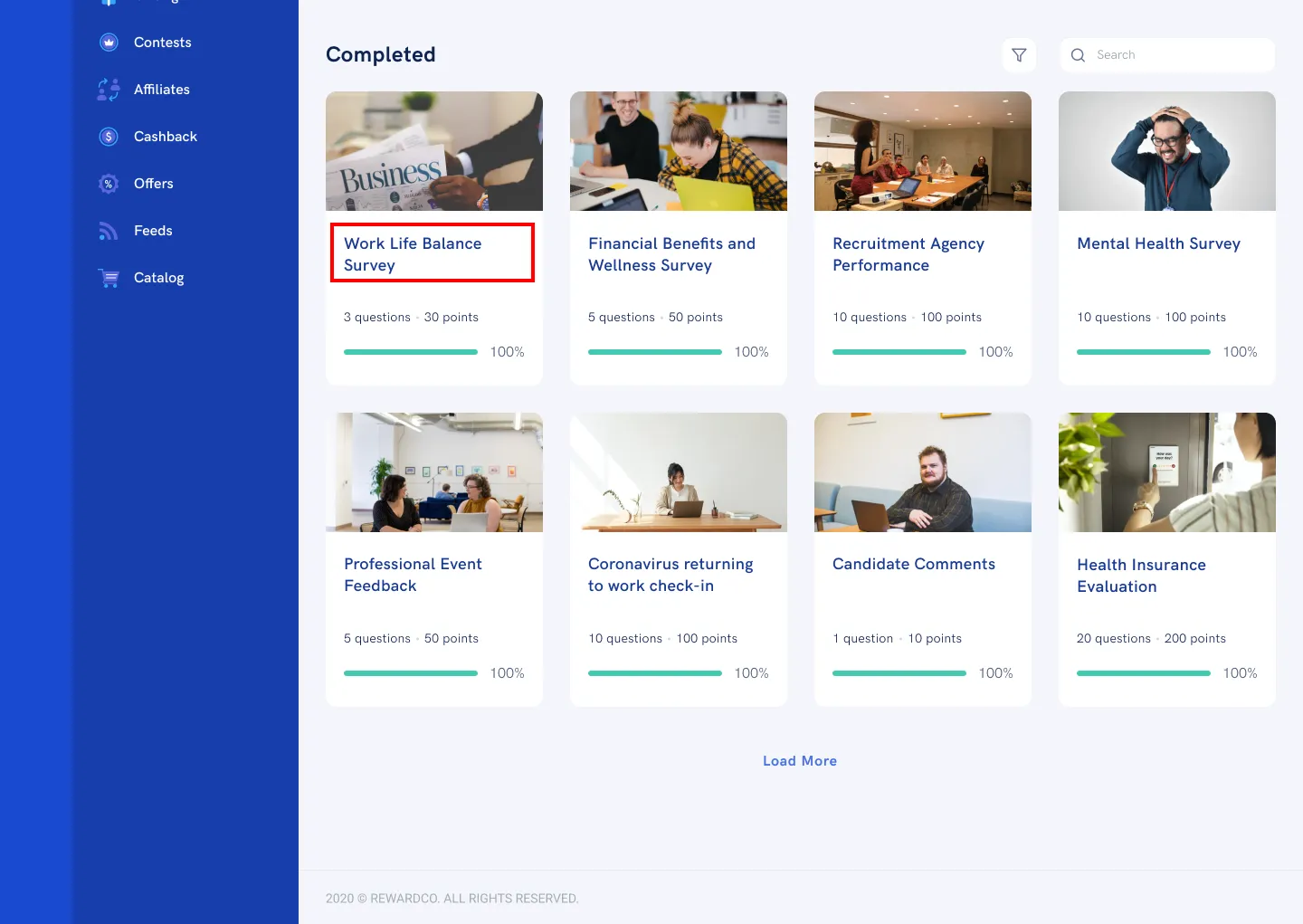
On the Survey page, scroll down to the “Completed” section and click on the Survey title. The page that follows presents you with your response, including any rewards earned for completion.
Need more help?
For questions about your program, such as your points, claims or rewards, contact your program administrator. Looking for where to sign in? Read how to find your program's login page.